Bambu Lab 3d Printers

An Update:

As you might be aware, we run two Bambu Lab 3d Printers. A P1S (we call it the cheap one), and an H2D with two AMS units (the big one). Thru no fault of Bambu Labs we broke both of them. Mostly through trying to “fix”. Having not watched any YouTube videos before hand, we just ended up making matters worse. HOWEVER, we have been able to fix both printers, here is what happened.

The Big printer, had what we found out was a minor issue, filament broken it feed tube. We took it to mean there was a problem with feeding into the print head. So in trying to remove the feed tube, be broke the “Dual Extruder Idlers and Filament Sensor”. Basically the part that holds the feed tubes and directs filament into print head. And the Cheap one, wasn’t laying any plastic on plate, meaning it wasn’t printing. We tried using an “unclogged”, and ended up making the hole into the hothead bigger than it was supposed to be.

But ordering parts from Bambu labs was simple and not that expensive, waiting for them to arrive is the hard part. It takes at least a weekend and a half to get here. But we ended up stocking up on spare parts, mostly stuff prone to breaking (we assume).. And we have learned a lot about the care and maintenance of the printers.

So unlike the 3d printers we had in the past (see out on this site), we printed days with little or no issues, they break mostly through no fault of the printers themselves, they are very forgiving and doen’t cost an arm and a leg to fix.

Again, highly recommend any of the Bambu Lab printers.
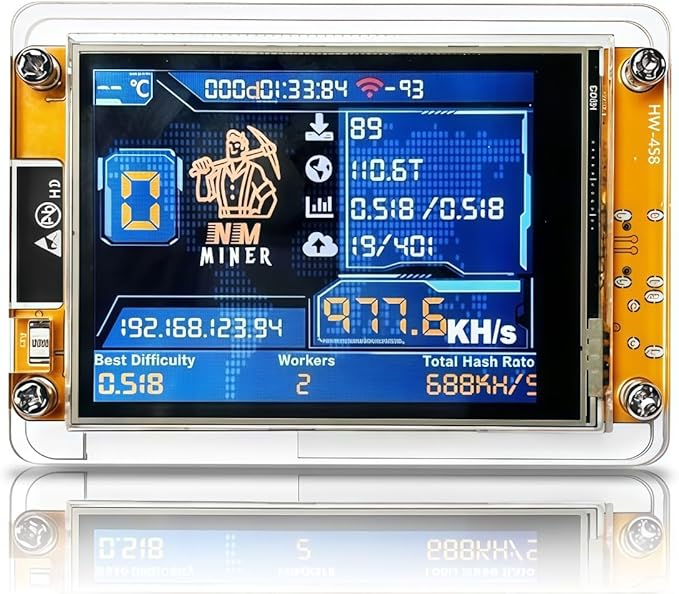
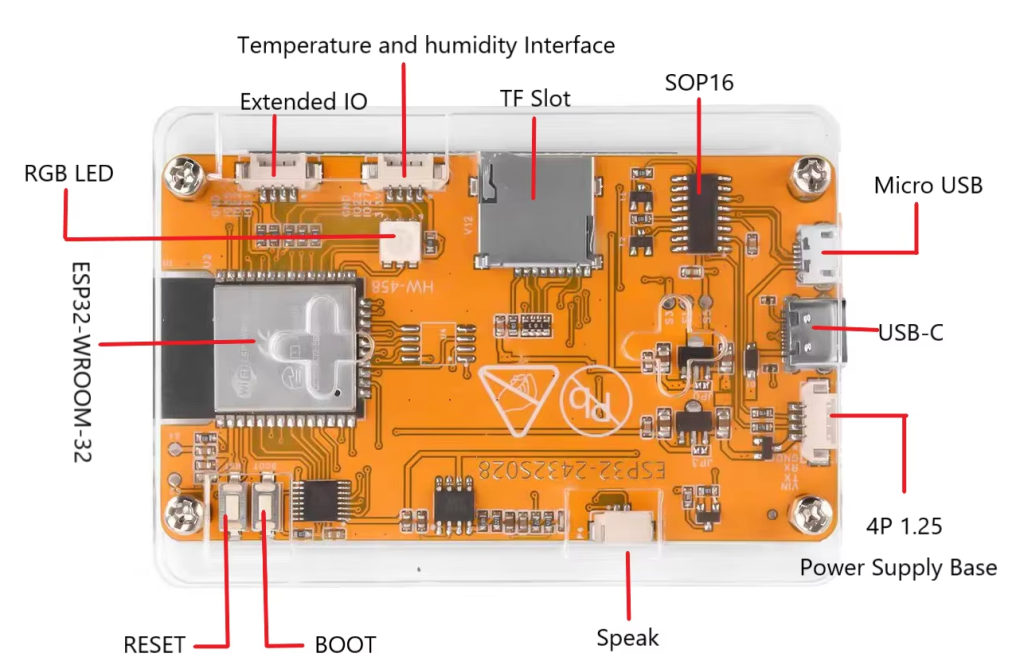
BitMiner – failed (Updated)

Saw people using these, figured I’d try one.

Took over a month to arrive, had it put together and working fairly quickly. But it didn’t last. After about a week, I arrived in my office to see it at 80%. Assume it started an update. Let it sit there for a few hours, didn’t move. Rebooted, Bricked.

Tried for hours to look for bin files or software to reflash. None worked. So chalk this up to lesson learned. Will try to turn it into a media player or hacking tool. Will keep you updated.

UPDATE: During a quiet weekend, I was able to sit down and learn more about these bit miners. Unknown to me when I attempt to reflashed the device, I erased my license. A new license costs $3, so it wasn’t a big deal, however it would have been easy to recover license before flashing had a known. SO BEWARE!

Also depending on which unit you purchase, these can be daisy chained, which would be nice if you had more than one (thinking about getting another to up my odds LOL).

The stand/case it comes with isn’t the best, it falls over easily. So I am printing stands now. LOVE the 3d Printers!

OH and 80% means it wasn’t reaching the BitCoin Pool server, seems they changed/rearranged them. Once I learned that it was an easy fix, one that could have be avoided.

R40S PRO Retro Gaming Console

Saw this on Amazon and had to give it a try.

Handheld computer of sorts.

It was difficult to get the hang of navigation, but after a few web searches and YouTube Videos it works (pretty much).

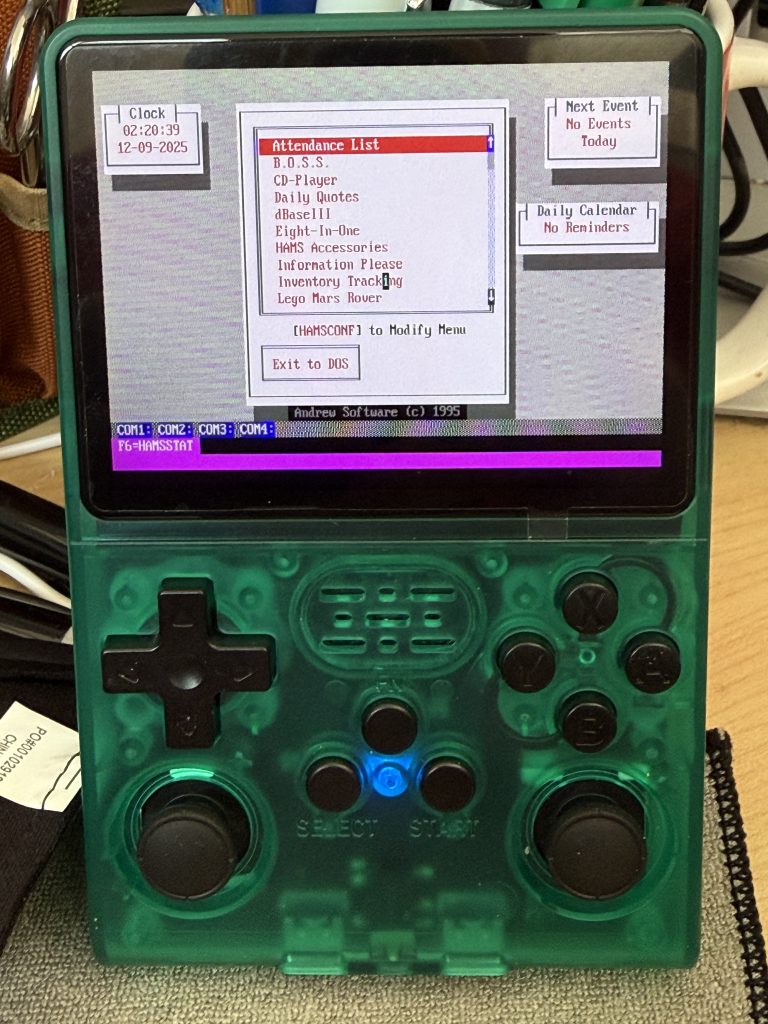
Was never a gamer, but I wanted to give the DosBox in my hand a try. It was simple to Enable Remote Services to copy files over to device. You’ll needed a USB WiFi adapter. Go my wifi adapter off Amazon, $7.

As you can see the programs work great, WordPerfect, DBase, plus a few others.

Keyboard, and navigation is a problem, but mouse works. Still playing.

Device operates floating on the battery. You must fully charge battery before you start playing, otherwise you’ll be frustrated.

After you get the WiFi working do all the updates it brings in more features.

When you remote in, you’ll see lots of folders. I just copied my DOS Application folder from my Windows DosBox folder to the Dos folder, and it worked. I thought I was going to have to jump through a bunch of hoops, nope, it just worked.

It APPEARS to have Bluetooth but haven’t been able to test it yet. Figure this could be made into a little hacking tool, or tricorder for cosplay. Lots of possibilities.